
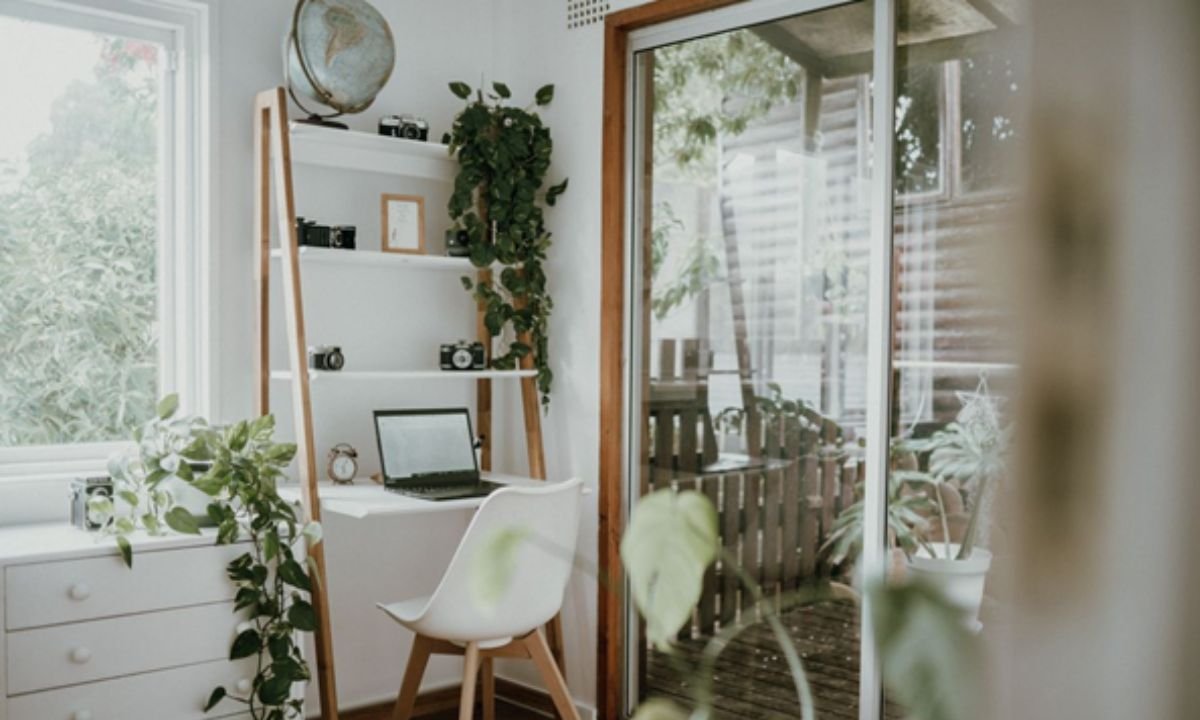
Creating a productive home office goes far beyond choosing the right desk, ergonomic chair, or decorative accessories. While physical workspace design plays a major role in focus and efficiency, digital organization is equally important in today’s technology-driven world.
Many professionals spend hours optimizing their workspace aesthetics but overlook the performance and organization of the devices they rely on every day. A cluttered computer can be just as distracting as a cluttered desk, affecting productivity, creativity, and workflow efficiency.
As remote work and hybrid work arrangements continue to grow, creating a well-organized environment both physically and digitally has become essential for maintaining productivity.
The Relationship Between Space and Productivity
Numerous studies have shown that organized environments contribute to improved concentration and reduced stress.
An effective workspace can help:
- Improve focus
- Reduce distractions
- Increase efficiency
- Encourage creativity
- Support better time management
This principle applies not only to physical spaces but also to digital environments.
When files are disorganized, storage is full, and applications run slowly, productivity often suffers regardless of how beautiful the workspace may be.
Why Digital Clutter Is Often Ignored
Unlike physical clutter, digital clutter is not always visible.
Over time, devices accumulate:
- Temporary files
- Application caches
- Duplicate documents
- Outdated downloads
- Unused software
- System-generated data
Because these files operate behind the scenes, many users don’t realize how much storage they consume until performance problems begin to appear.
The result can be slower workflows and increased frustration.
Creating a Workspace That Supports Efficiency
A productive home office combines functionality with simplicity.
Key elements include:
Comfortable Furniture
Ergonomic seating and properly positioned monitors help reduce physical strain during long work sessions.
Effective Lighting
Natural light and balanced artificial lighting improve comfort and reduce eye fatigue.
Organized Storage
Keeping office supplies and documents organized reduces distractions and improves accessibility.
Technology Optimization
Computers, tablets, and mobile devices should be maintained regularly to ensure smooth operation.
When all these components work together, productivity naturally improves.
Common Signs of Digital Disorganization
Many professionals experience performance issues without realizing that storage management may be contributing to the problem.
Warning signs include:
- Slow startup times
- Frequent application lag
- Reduced available storage
- Delayed file transfers
- Unexpected system slowdowns
These issues often develop gradually, making them easy to overlook.
However, they can significantly impact daily workflows over time.
Why Mac Users Often Experience Storage Confusion
Mac devices are known for their reliability and user-friendly design, but storage management can occasionally be confusing.
One area that frequently raises questions is System Data.
Users often discover that a substantial portion of their storage is categorized under this label without fully understanding what it includes.
System Data may contain:
- Cache files
- Logs
- Temporary system files
- Local backups
- Application support files
As these files accumulate, they can occupy significant storage space.
Understanding Storage Management
Storage management is an important part of maintaining long-term device performance.
Regular reviews can help users:
- Identify large files
- Remove unnecessary data
- Improve available storage
- Maintain system responsiveness
For many users, understanding why Mac System Data is large is the first step toward improving storage efficiency and maintaining optimal system performance.
Learning how system storage works can help prevent future performance issues and extend the lifespan of a device.
The Benefits of a Clean Digital Workspace
Just as a tidy office creates a calmer environment, a well-maintained digital workspace offers numerous advantages.
Benefits include:
Faster Performance
Devices with adequate available storage typically operate more efficiently.
Improved Workflow
Finding files, applications, and resources becomes easier when digital assets are organized.
Reduced Stress
Technical issues and storage warnings can interrupt focus and create unnecessary frustration.
Better Productivity
Users spend less time troubleshooting and more time completing meaningful work.
Blending Design and Technology
Modern workspace design increasingly recognizes the connection between physical and digital organization.
A beautiful workspace alone cannot compensate for:
- Slow computers
- Disorganized files
- Limited storage
- Poor system maintenance
Similarly, a powerful computer cannot fully overcome the distractions of a poorly organized physical environment.
The most productive professionals invest in both aspects simultaneously.
Future Trends in Home Office Productivity
As technology continues evolving, workspace design is becoming more integrated with digital workflows.
Emerging trends include:
- AI-powered productivity tools
- Smart workspace automation
- Cloud-based organization systems
- Digital wellness solutions
- Automated storage optimization
These innovations aim to help professionals work more efficiently while reducing unnecessary distractions.
The future home office will likely combine thoughtful interior design with intelligent technology management.
Building Better Habits
Improving productivity doesn’t always require major investments.
Small habits can make a meaningful difference:
- Organize files weekly.
- Review storage monthly.
- Remove unused applications.
- Back up important data regularly.
- Keep workspaces clutter-free.
These simple practices help maintain both physical and digital order.
Over time, they contribute to a more efficient and enjoyable working environment.
Final Thoughts
A productive home office is about much more than décor and furniture. While an attractive workspace can improve motivation and comfort, digital organization plays an equally important role in daily productivity.
By maintaining both physical and digital environments, professionals can reduce distractions, improve efficiency, and create workflows that support long-term success. Understanding storage management, organizing digital assets, and keeping devices running smoothly are essential parts of a modern productivity strategy.
In today’s hybrid work era, the most effective workspaces are those that balance great design with smart technology management.
 Decor Drip